



Streaks
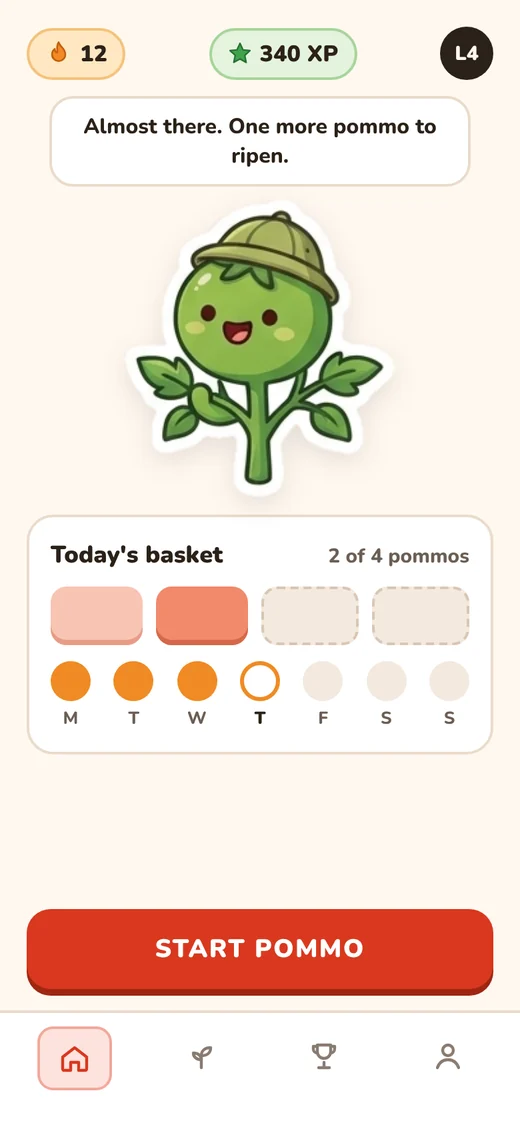
One ripe tomato a day keeps your streak alive. A freeze covers a missed day.
 pommo
Get Pommo
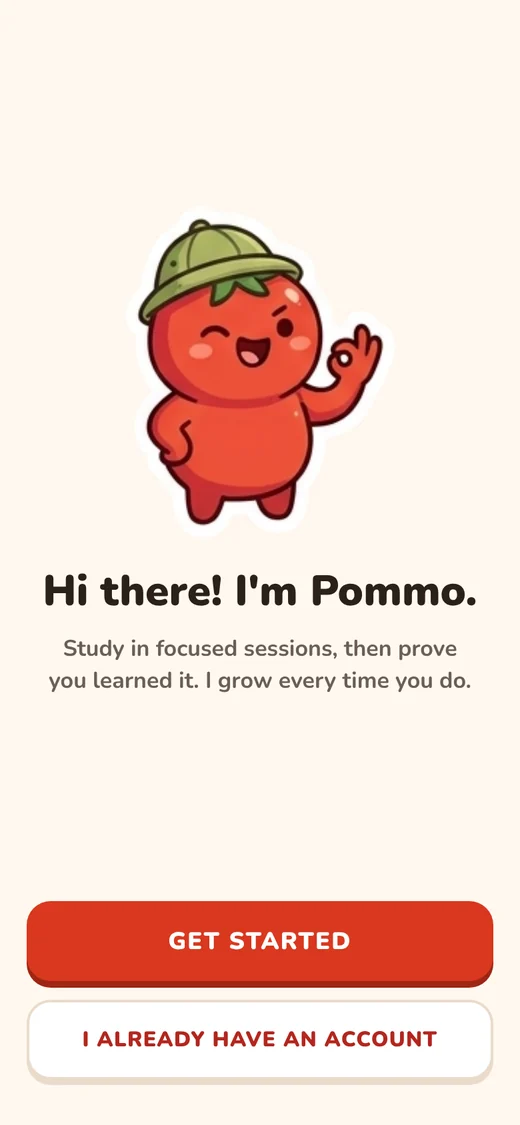
Pomodoro timer + AI quiz for students
You can spend an hour on a chapter and still not know what stuck. Pommo times a focused session, then quizzes you on exactly what you covered. Your score decides how your tomato turns out.
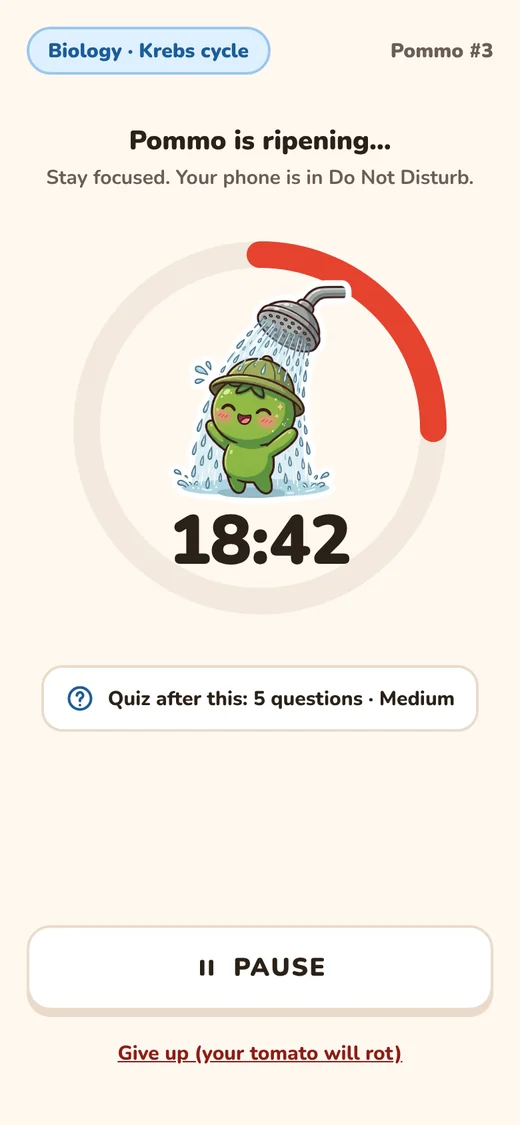
Pommo is ripening…
Stay focused. Put your phone face down.
 24:59
How a pommo works
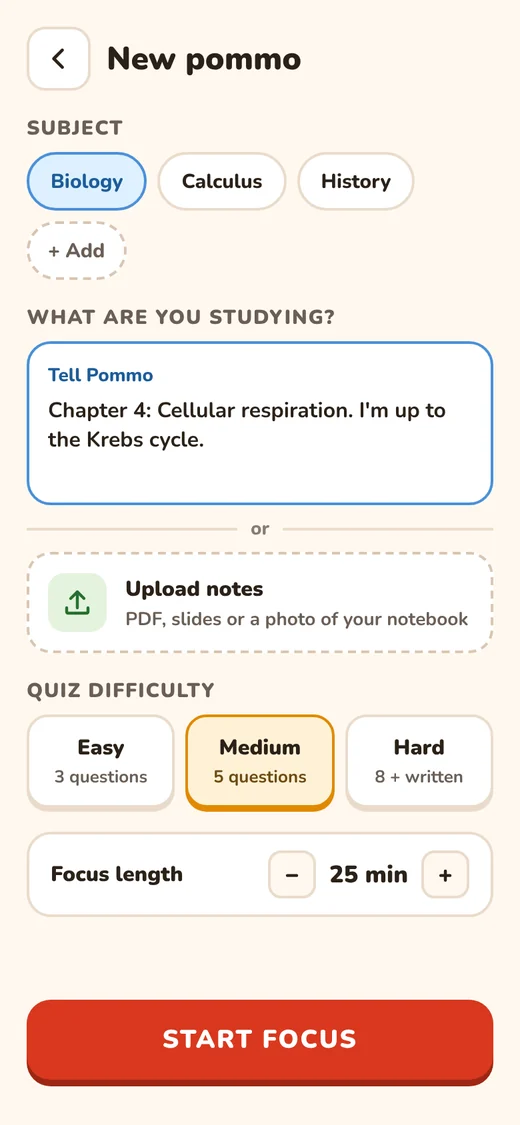
Pick a subject, type the topic ("Chapter 4, up to the Krebs cycle") and choose a difficulty: 3, 5 or 8 questions.
25 minutes by default, or the length you like. The timer keeps going on the Lock Screen and in the Dynamic Island, even when you leave the app.
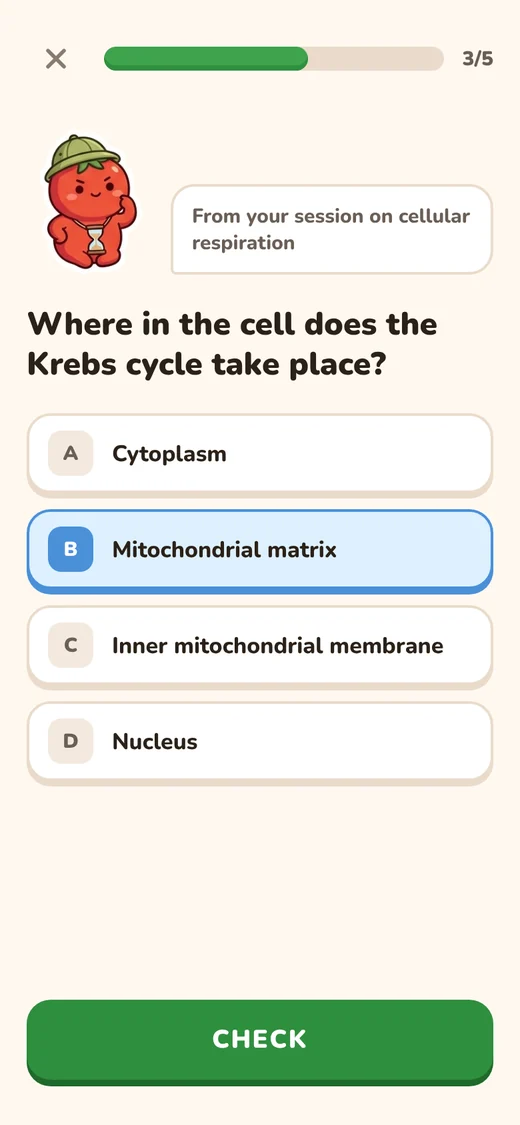
When the timer ends, AI writes questions on exactly what you studied. Not in the mood? Skip it and go straight to your break.
Where in the cell does the Krebs cycle take place?
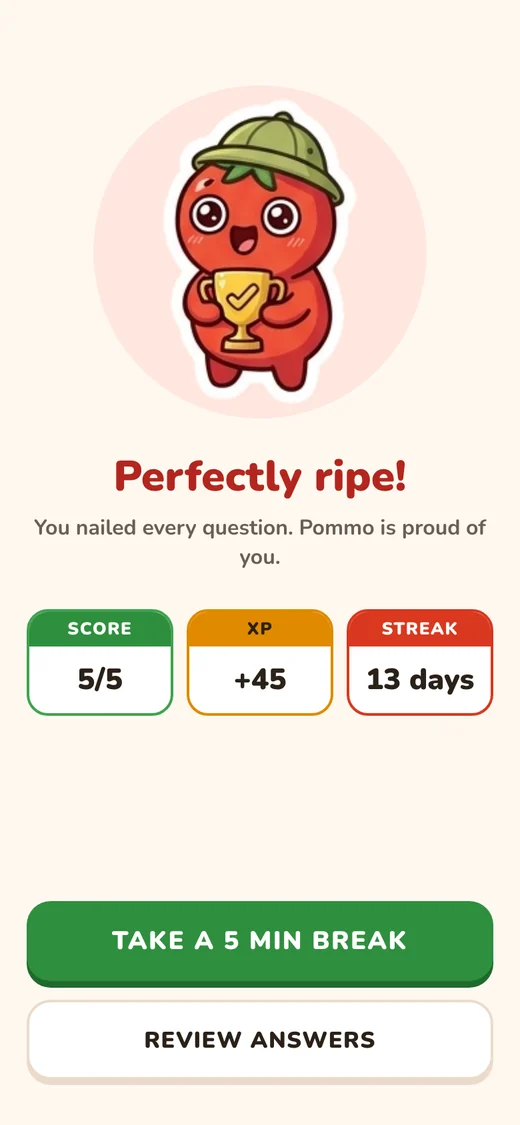
B · Mitochondrial matrixYour score decides your tomato: perfectly ripe, ripe, still green or rotten. Collect XP, keep your streak, take a 5-minute break.

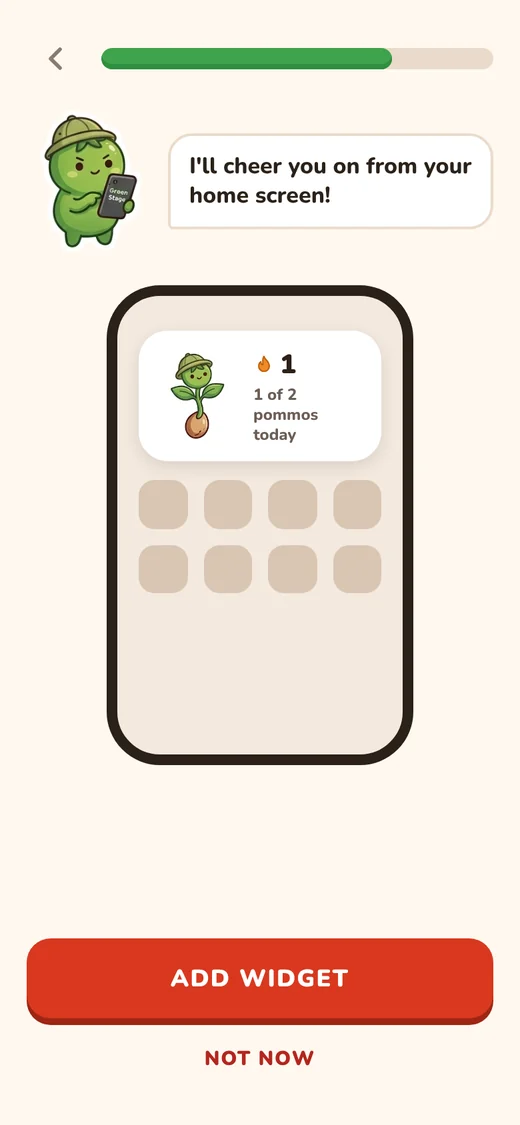
Live Activity · Dynamic Island · Widgets
Lock your phone or open another app: Pommo keeps the countdown in the Dynamic Island and on the Lock Screen, and tells you the moment your tomato is ripe.
24:59
 2 of 4pommos
AI quizzes

Type a chapter or a few keywords. Questions match exactly that, at Easy, Medium or Hard.

Snap your notebook or add PDFs and slides. Pommo writes the quiz from your own material.

Hard mode adds questions you answer in your own words. Pommo checks that you got the idea, even if you say it differently from the textbook.

Missed it? One redemption round asks new questions on the same material.
Pommo asks before your first AI quiz. Your topic and notes are used only to write that quiz. Pommo doesn’t keep them, and Anthropic doesn’t train on them. Privacy Policy

Your score decides
You nailed it. Pommo is proud of you.
Drag to see what each score does to your tomato.
Inside the app
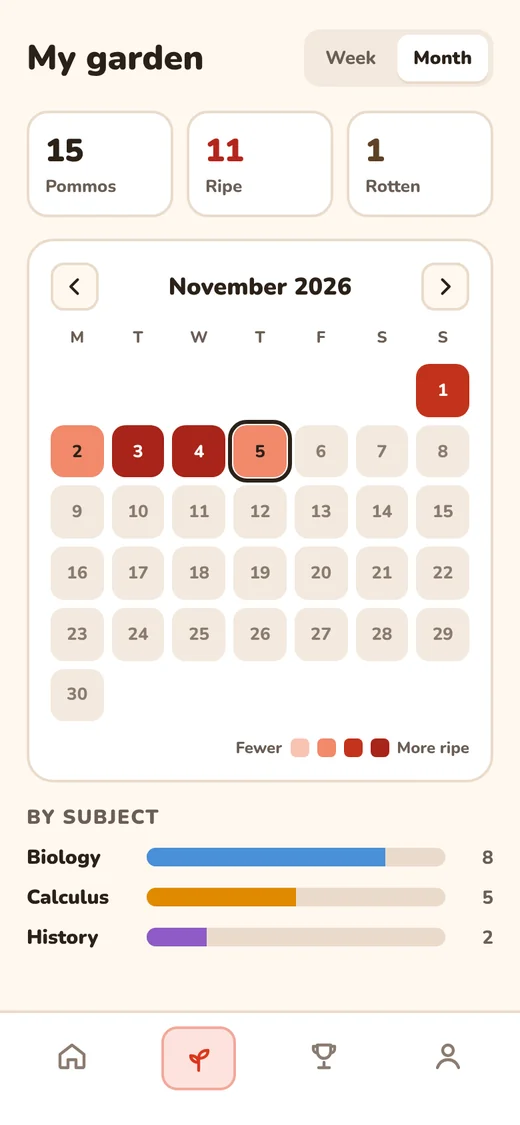
One ripe tomato a day keeps your streak alive. A freeze covers a missed day.
A calendar that fills with ripe tomatoes, plus your pommos by subject.
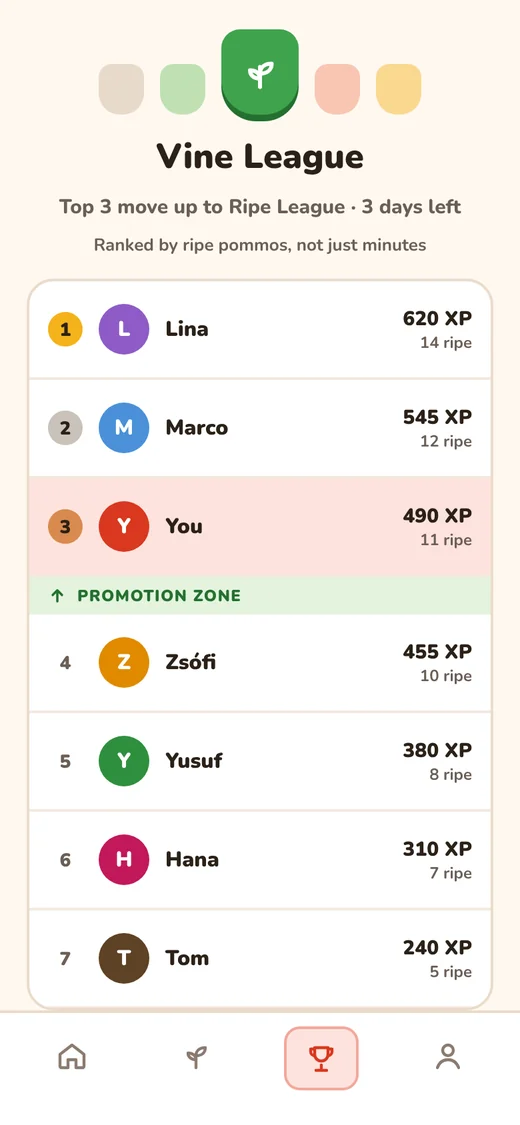
Earn XP all week, finish top 3 and move up a league.
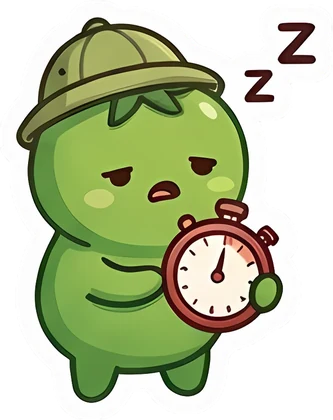
At most 2 a day, only on days you haven’t studied yet, never after 10 PM.
Free to use
Optional subscription, monthly or yearly. Prices in your currency in the App Store. Cancel anytime in your Apple ID settings.
Questions
Yes. Pommos, streaks, the garden, leagues, widgets and 3 AI quizzes a day are free, and practice questions are unlimited. Pommo Plus is an optional subscription for up to 30 AI quizzes a day and quizzes made from your own notes.
Your topic and any photos or PDFs you add go to Anthropic’s Claude only to write that quiz. Pommo doesn’t store them, and Anthropic doesn’t train on them. Pommo asks before your first AI quiz, and you can turn AI off in Profile. Privacy Policy
The timer, the Lock Screen countdown and practice questions work without a connection. AI quizzes need the internet.
Yes. Turn off “Quiz me after” when you start a pommo, or skip it when the timer ends and go straight to your break. A skipped pommo doesn’t earn XP.
Pommo is for iPhone. The Dynamic Island timer needs an iPhone with a Dynamic Island; every iPhone gets the Lock Screen countdown and the widgets.

Pommo is coming to iPhone. Focus, quiz, grow.
Coming soon to the App Store